How to Remove Background from Product Photos (Free)
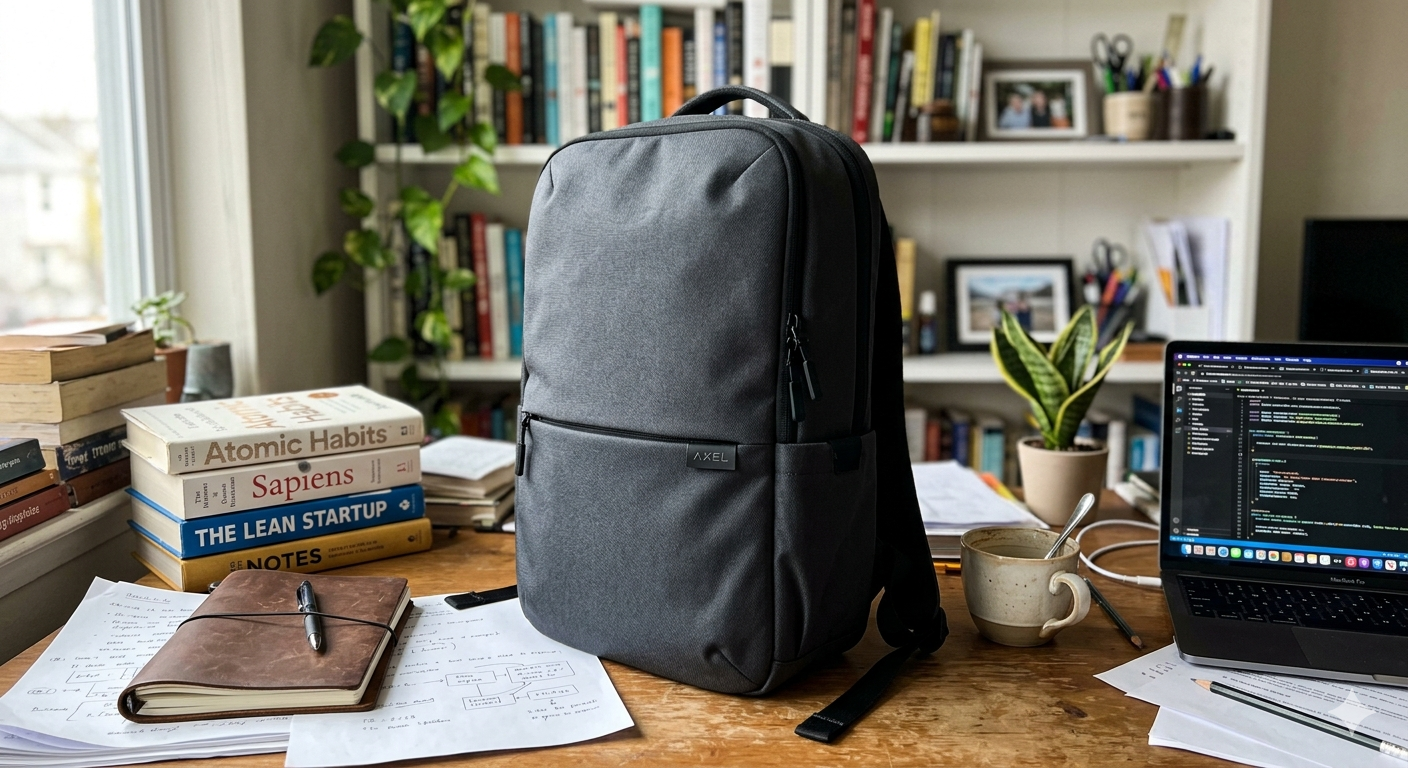
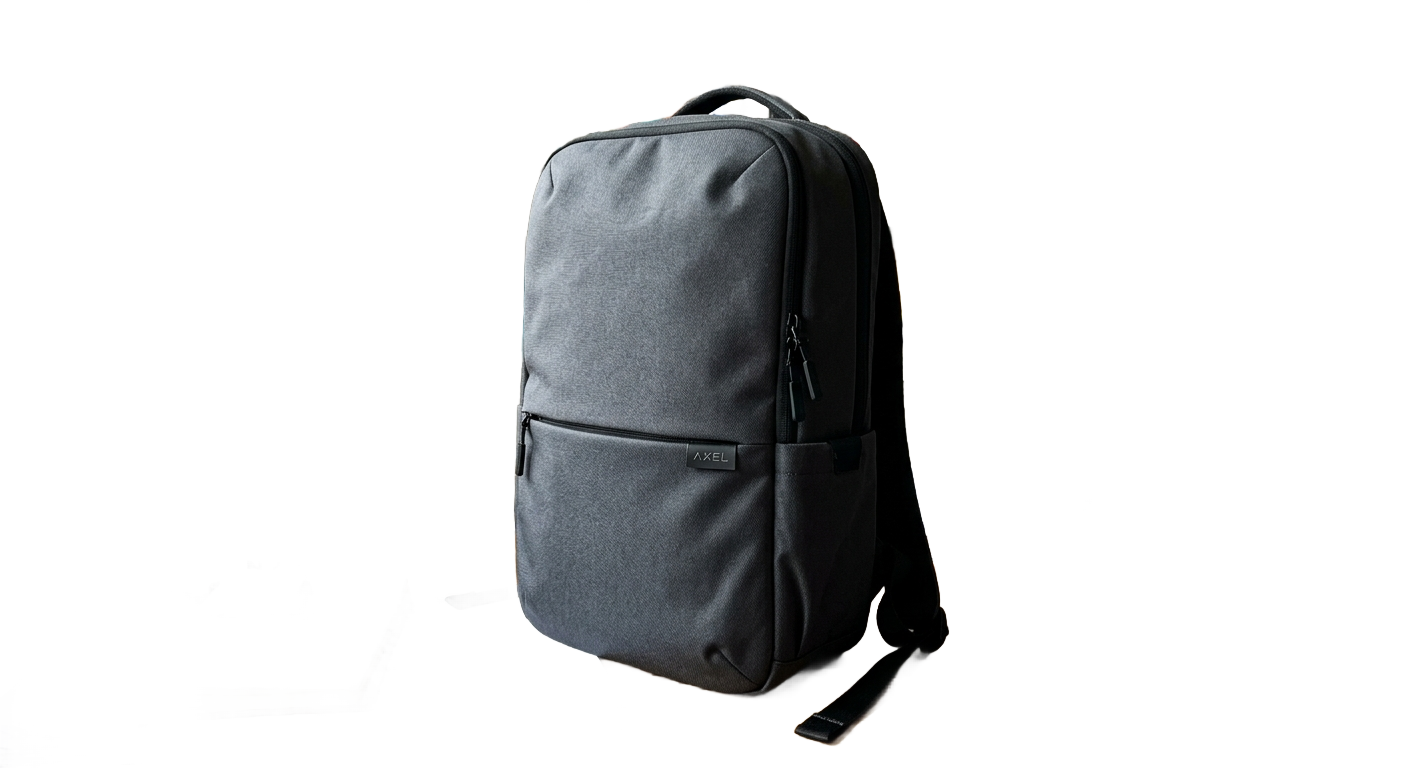
If you're selling products online, your photos need clean backgrounds. Amazon requires pure white. Shopify stores look professional with consistent backgrounds. Etsy buyers trust listings with clean imagery.
But removing backgrounds manually? That means hours in Photoshop, tracing edges pixel by pixel. Or paying $5-20 per image on Fiverr.
There's a faster way.
Why Background Removal Matters
Product photos with cluttered backgrounds hurt your sales:
Professional e-commerce photos have one thing in common: the product is the star, not the background.
The Old Way vs. The AI Way
Manual (Photoshop/GIMP)
AI Background Removal (Voxiru)
How to Remove Your Product Background in 5 Seconds
That's it. No tracing, no edge refinement, no Photoshop layers.
Tips for Best Results
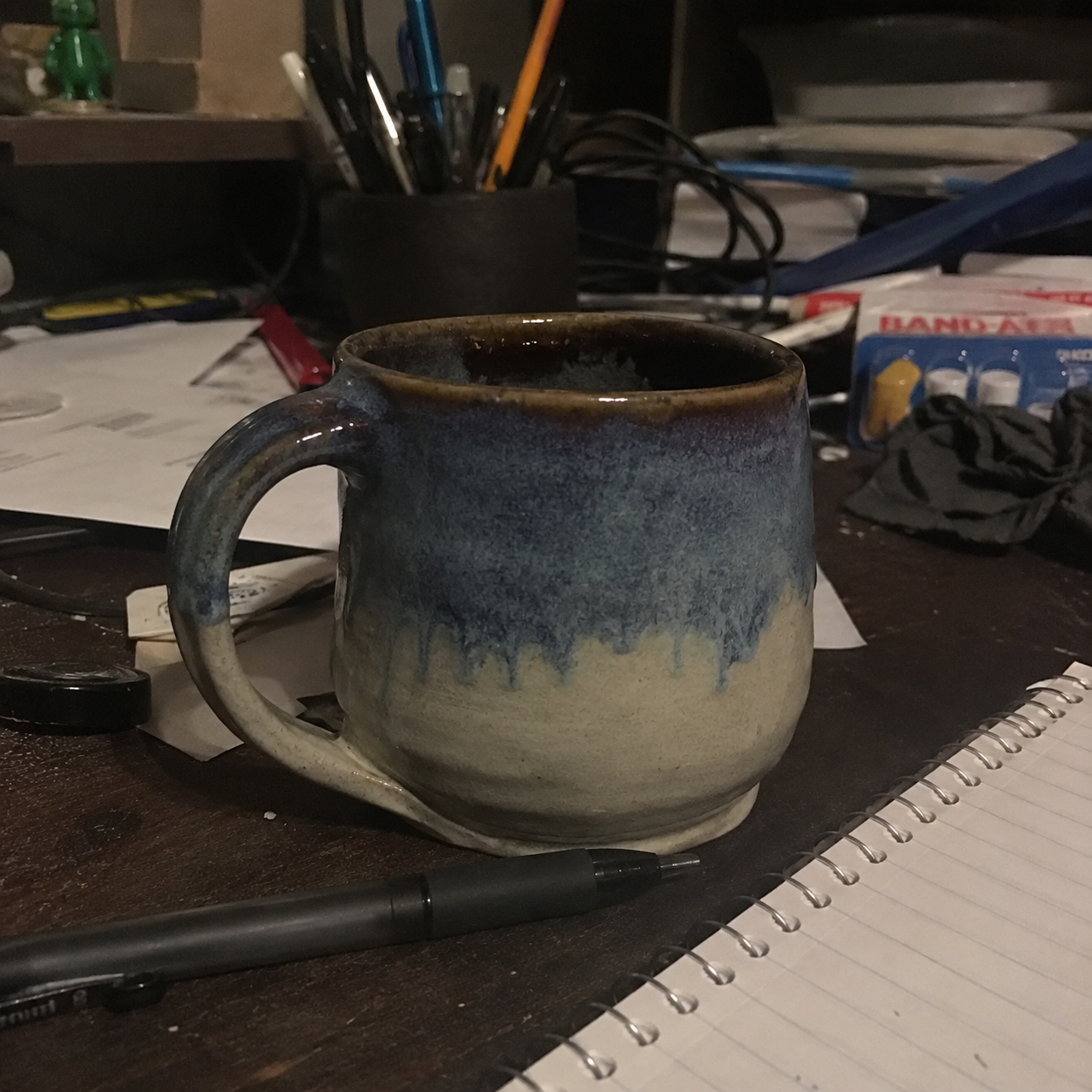
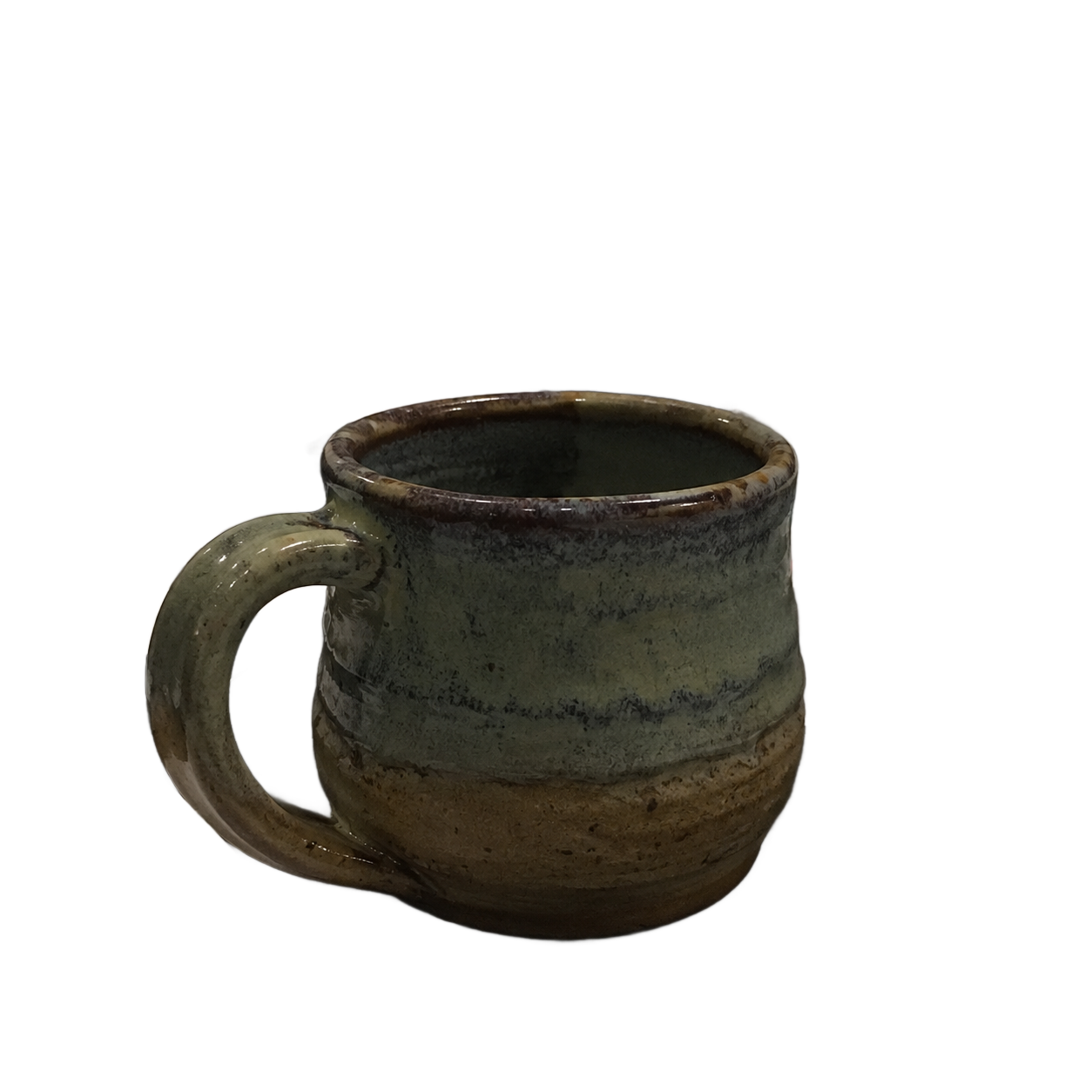
What About Complex Products?
Products with fine details (jewelry chains, hair accessories, lace) are traditionally hard to cut out. AI handles these better than manual selection because it's trained on millions of product images.
Transparent and reflective products (glass bottles, sunglasses) also work — the AI preserves transparency and reflections naturally.
Beyond Background Removal
Once your background is removed, you can:
All from the same tool, same credit, same 30-second workflow.
Try It Free
Voxiru gives you 5 free images to start — no credit card, no commitment. Remove backgrounds, recolor, expand, erase objects — all in one place.
Try the demo → No signup needed.Built for Amazon sellers, Shopify merchants, Etsy creators, and anyone selling products online.
Keep reading
How to Edit Product Photos for Your Shopify Store (2026)
A step-by-step guide to editing product photos for Shopify — clean backgrounds, correct image sizes, color variants, and lifestyle scenes — without Photoshop or a separate editing app.
Voxiru is Now on the Shopify App Store
Voxiru — the one-step AI product photo editor — is now available as a Shopify app. Edit product photos, remove backgrounds, recolor, and upscale without leaving your Shopify admin.
Voxiru vs Photoroom vs Remove.bg for Product Photos (2026)
An honest, side-by-side comparison of Voxiru, Photoroom, and Remove.bg for e-commerce product photography. Features, approach, and which tool fits which seller.