How to Recolor Products Without Reshooting
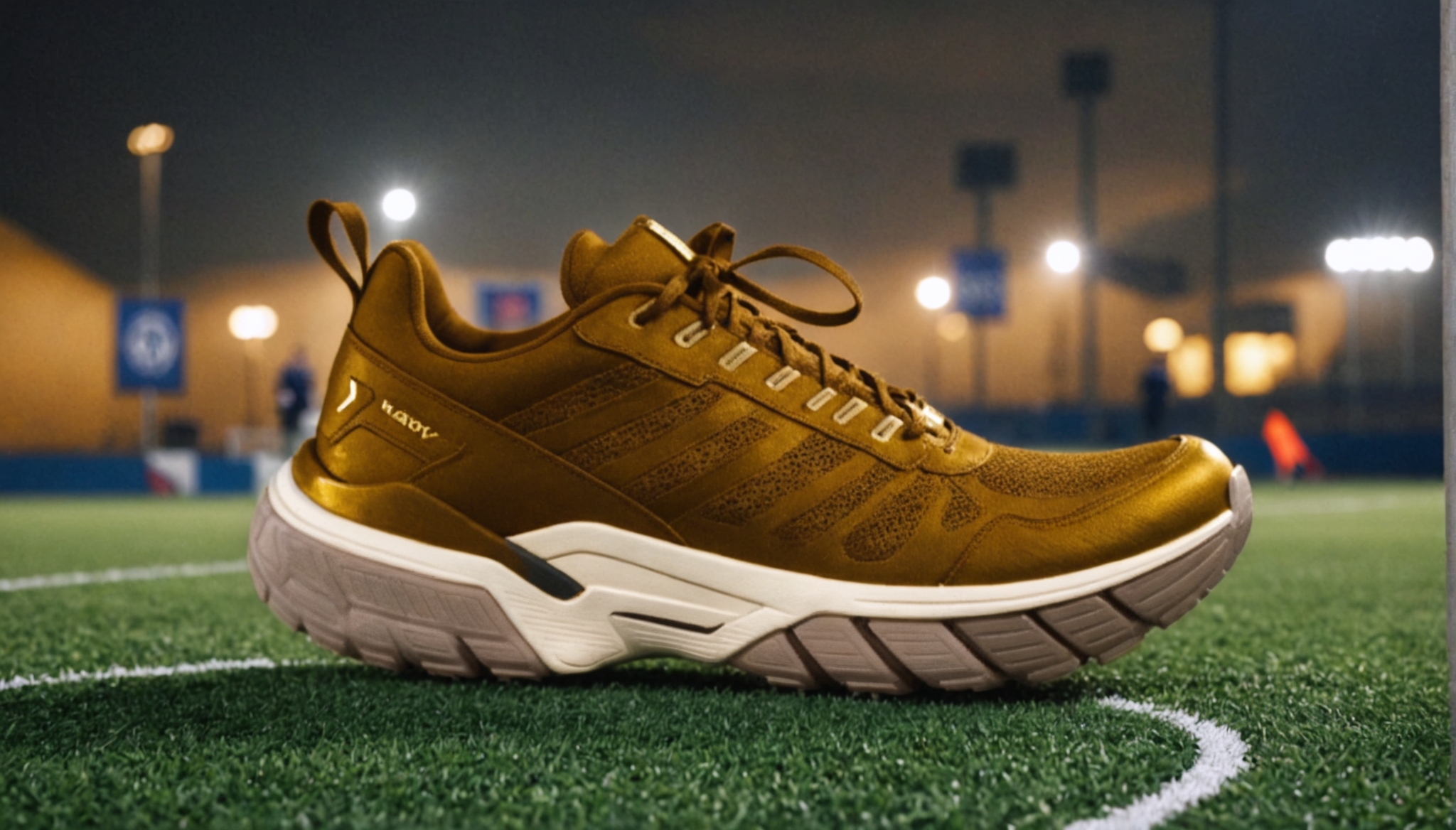
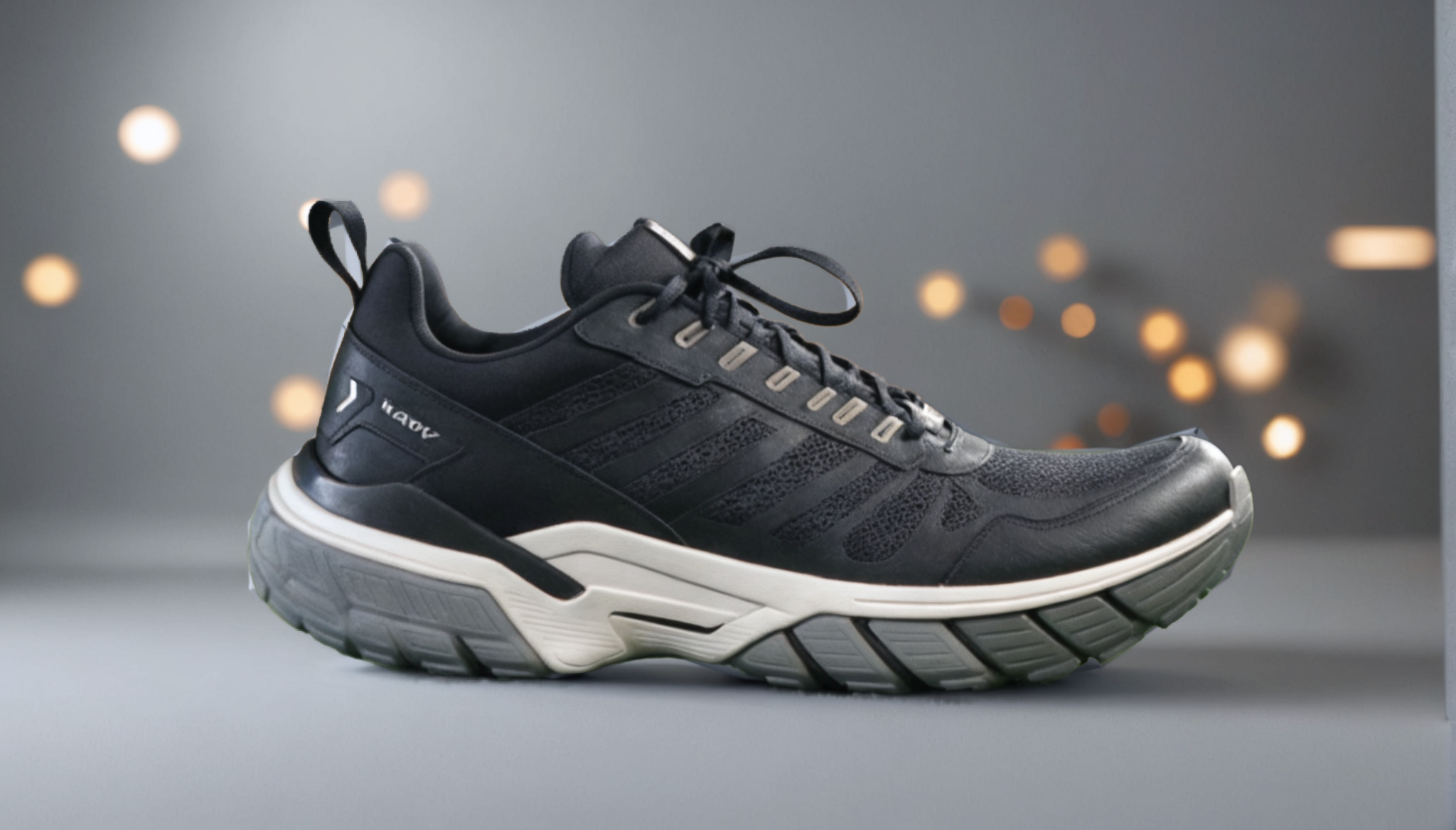
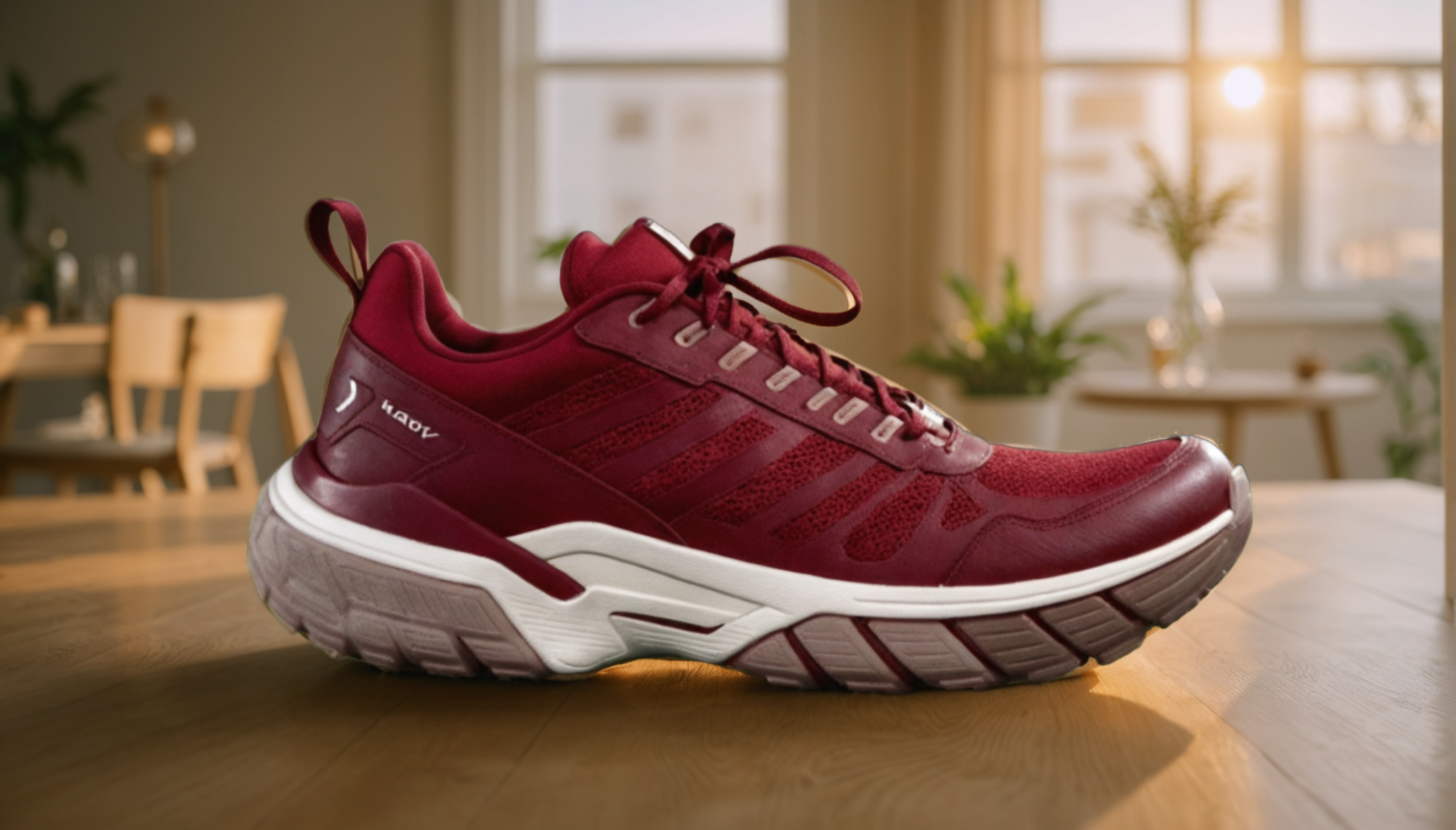
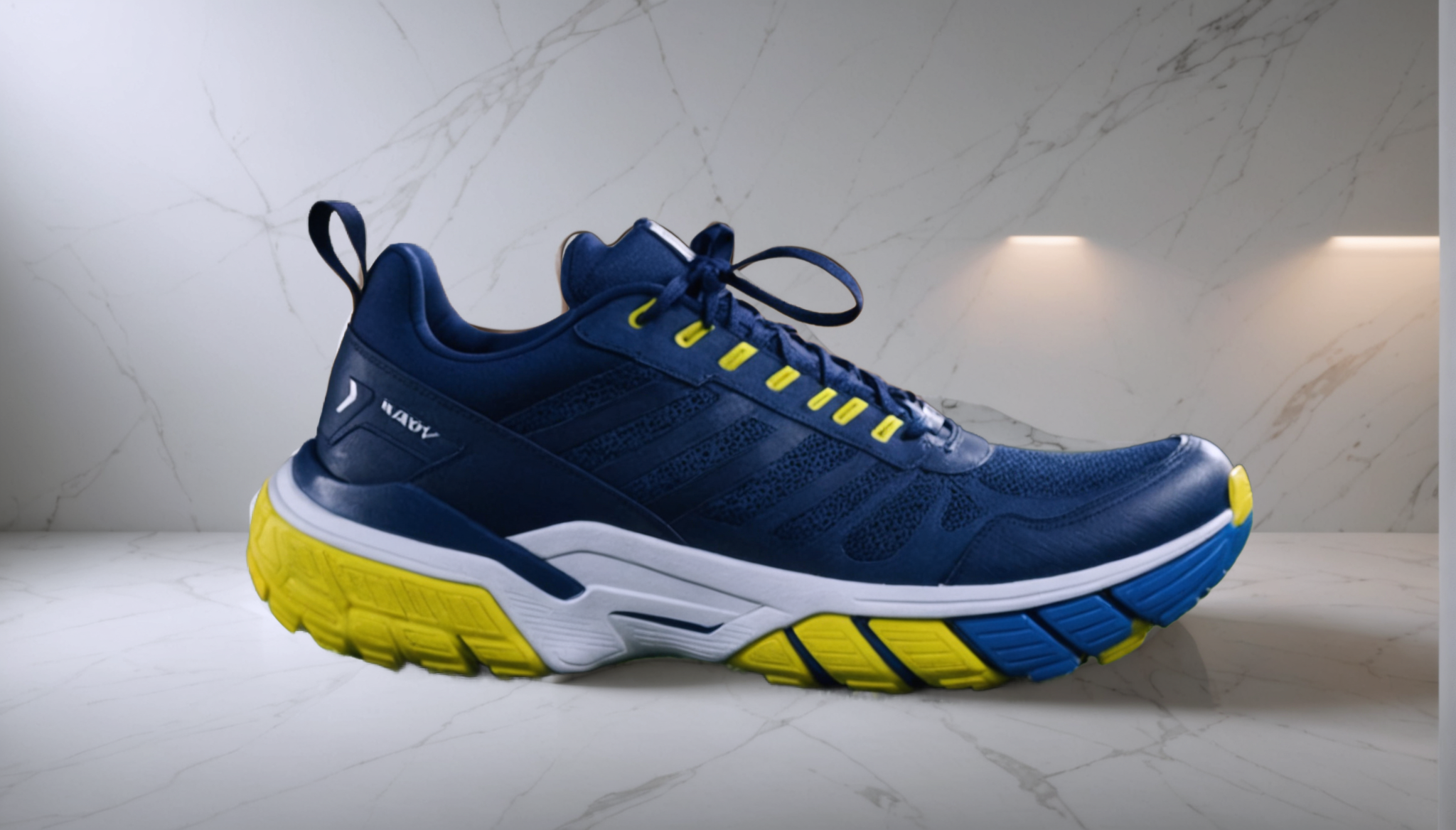
You sell a product in 5 colors. That means 5 separate photoshoots. 5 sets of lighting. 5 rounds of editing.
Or... one photo and 30 seconds.
The Problem Every Seller Faces
Color variants are a pain:
Each color variant needs its own product image. Marketplace listings require distinct photos for each option. Buyers expect to see the exact color they're ordering.
Traditional approach: Buy one in every color → photograph each → edit each → upload each. Expensive, time-consuming, and often delayed by supplier lead times.
The AI Approach: One Photo → All Colors
Upload a single product photo. Tell the AI what colors you want. Get all variants back in seconds.
How it works:The AI identifies your product in the image and changes its color while preserving:
Real Examples
Jewelry seller: Photograph one silver ring → generate gold, rose gold, and platinum variants → list all 4 color options immediately. Shoe seller: Photograph one white sneaker → generate black, navy, red, and grey → full color lineup from one photoshoot. Bag seller: Photograph one brown leather bag → generate black, tan, burgundy, and olive → complete color range in 30 seconds.Tips for Best Recolor Results
When to Use Real Photos vs. AI Recolor
Use AI recolor when:The Workflow
All four steps happen in one session, one credit per variant. No reshooting, no Photoshop layer masks, no color selection tools.
Cost Comparison
| Method | Cost per color variant | Time |
|---|---|---|
| Professional reshoot | $50-200 | Days |
| Photoshop manual edit | $10-30 (Fiverr) | Hours |
| AI recolor (Voxiru) | ~$0.17 | 30 seconds |
For a 5-color product line, that's $250-1000 in photography costs → replaced by less than $1 in credits.
Try It Now
Upload one product photo and see all your color options generated in seconds. No signup needed for the demo.
Try recoloring free → See your product in every color.Works best with solid-color products. Patterns, prints, and multicolor items may need manual adjustments.
Keep reading
How to Edit Product Photos for Your Shopify Store (2026)
A step-by-step guide to editing product photos for Shopify — clean backgrounds, correct image sizes, color variants, and lifestyle scenes — without Photoshop or a separate editing app.
Voxiru is Now on the Shopify App Store
Voxiru — the one-step AI product photo editor — is now available as a Shopify app. Edit product photos, remove backgrounds, recolor, and upscale without leaving your Shopify admin.
Voxiru vs Photoroom vs Remove.bg for Product Photos (2026)
An honest, side-by-side comparison of Voxiru, Photoroom, and Remove.bg for e-commerce product photography. Features, approach, and which tool fits which seller.